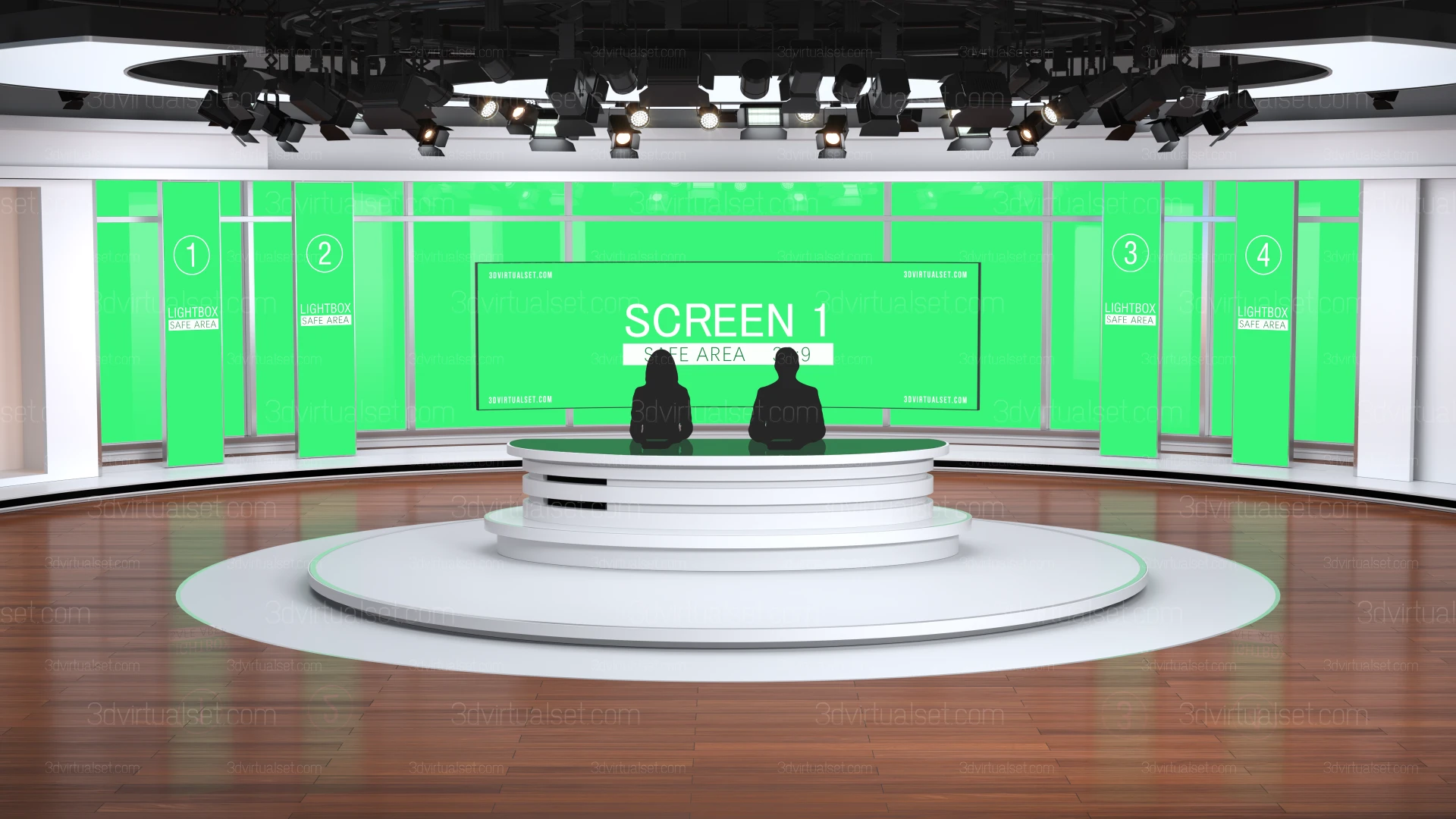
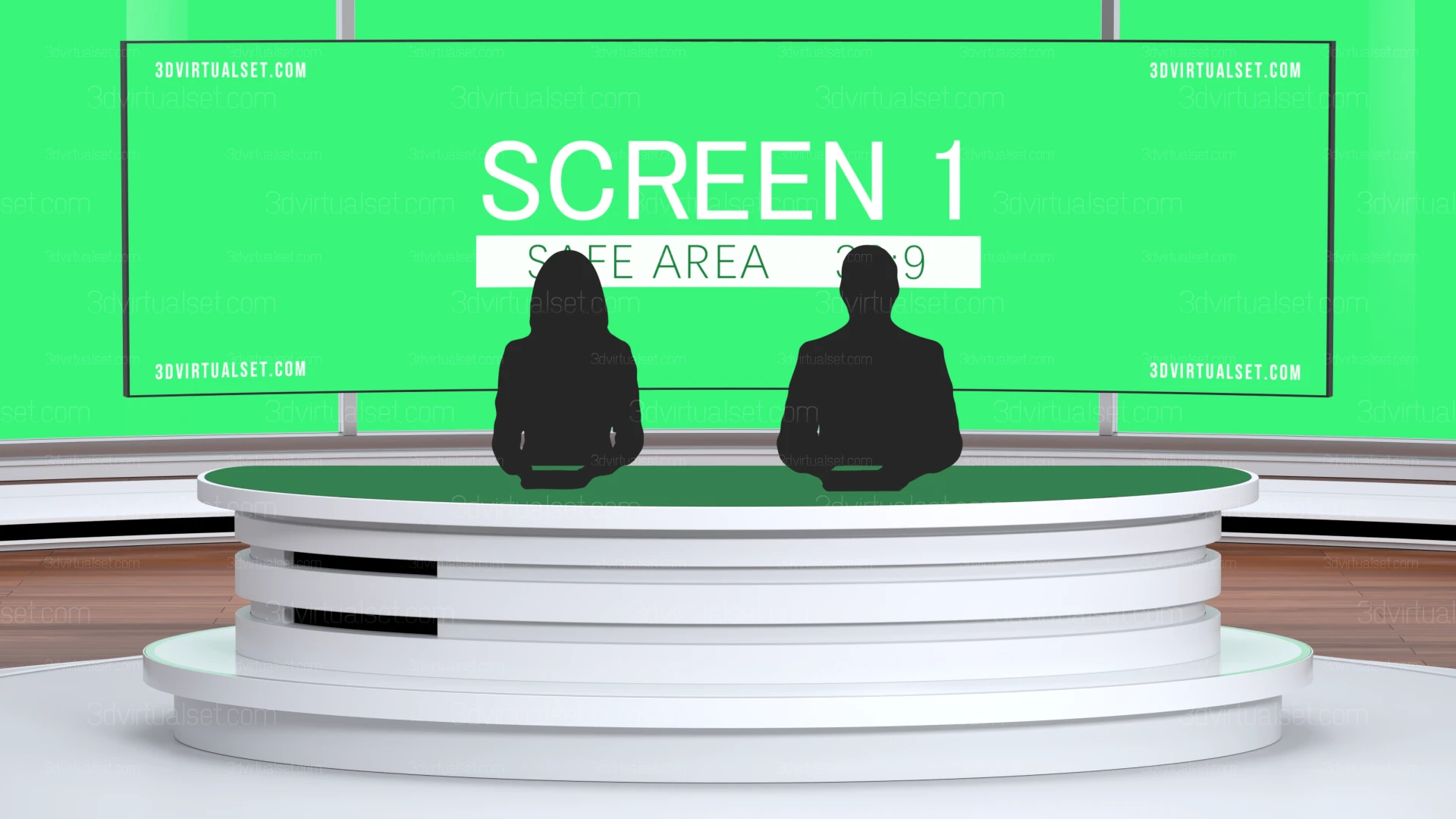
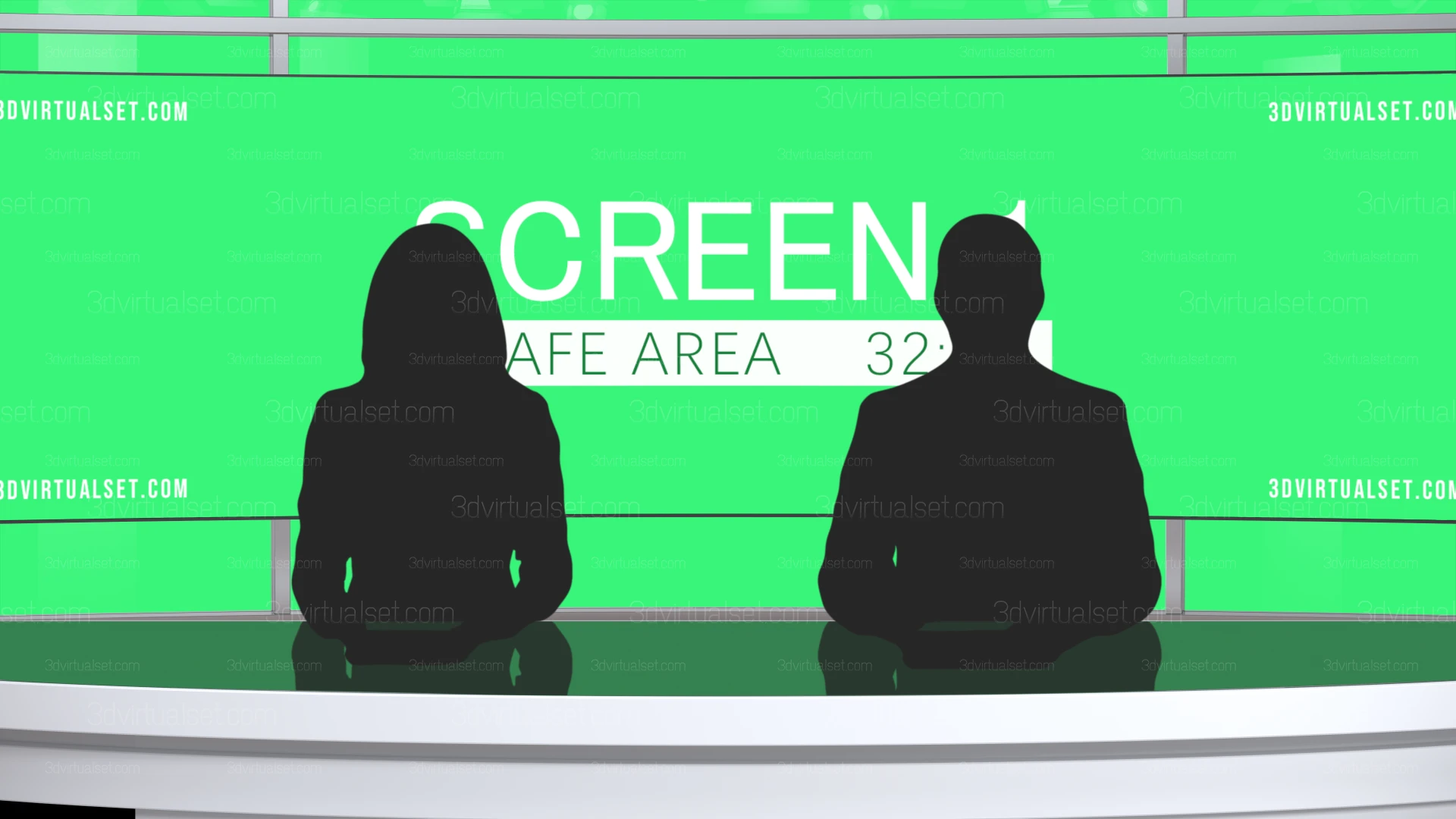
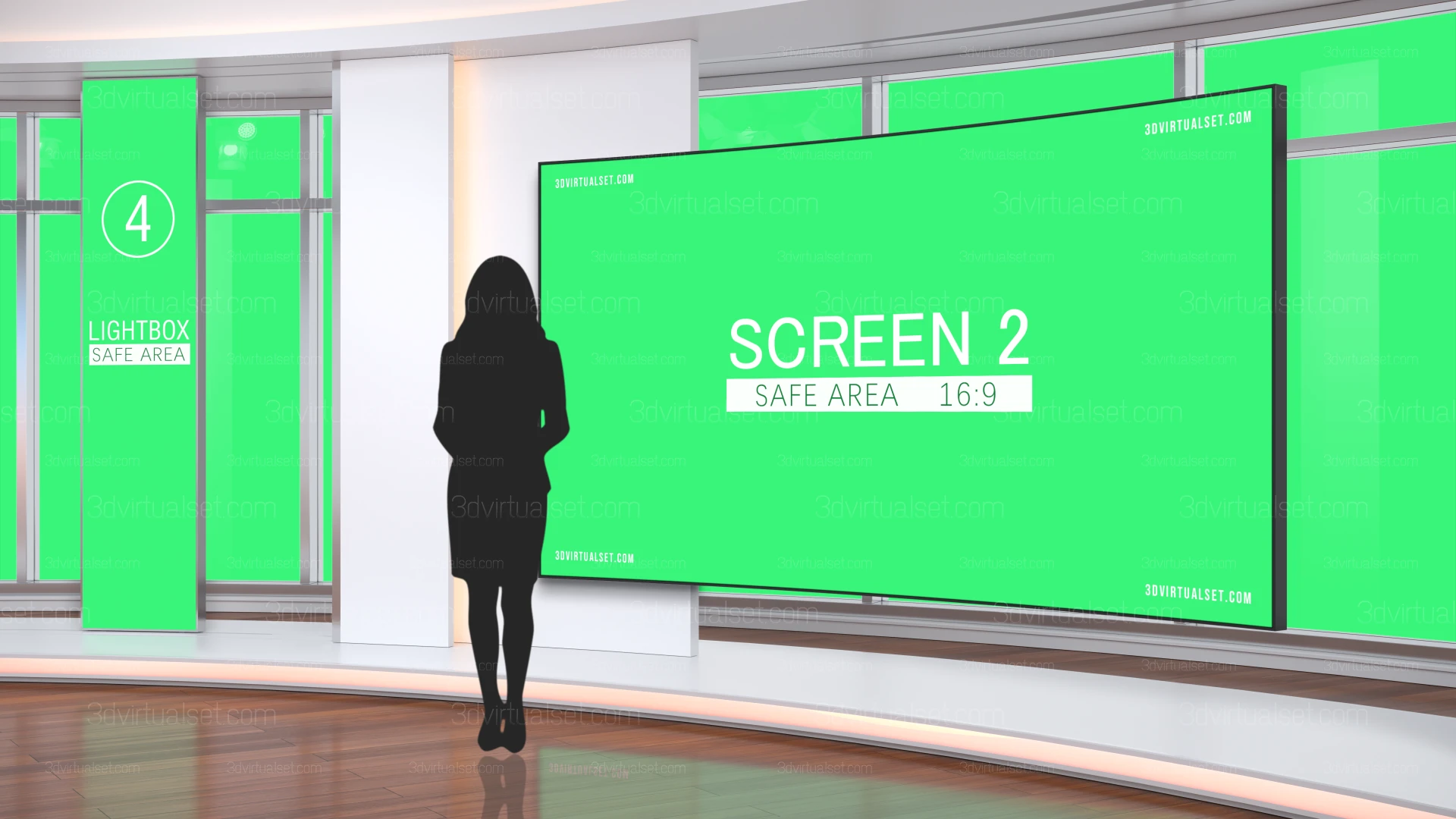
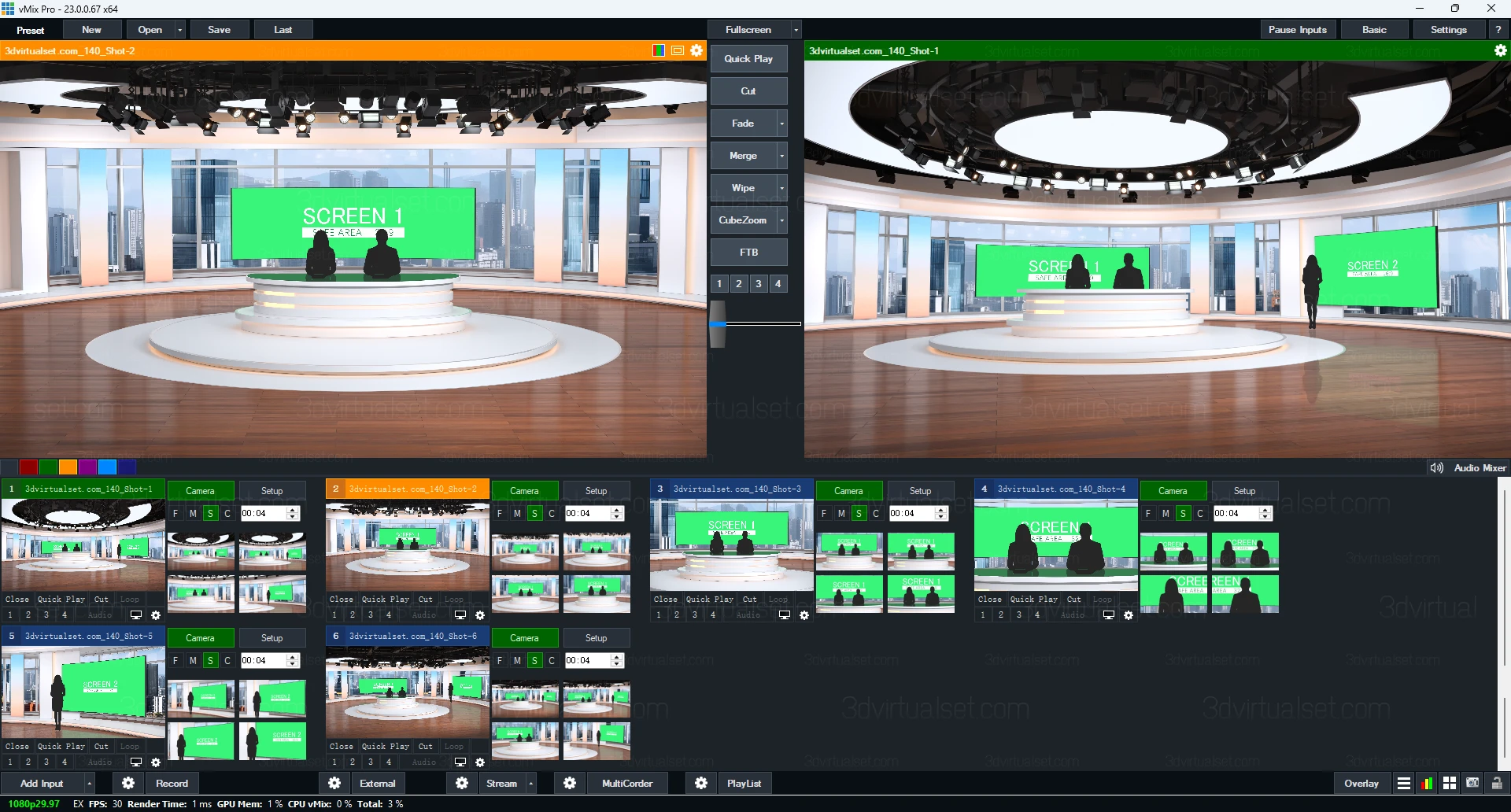
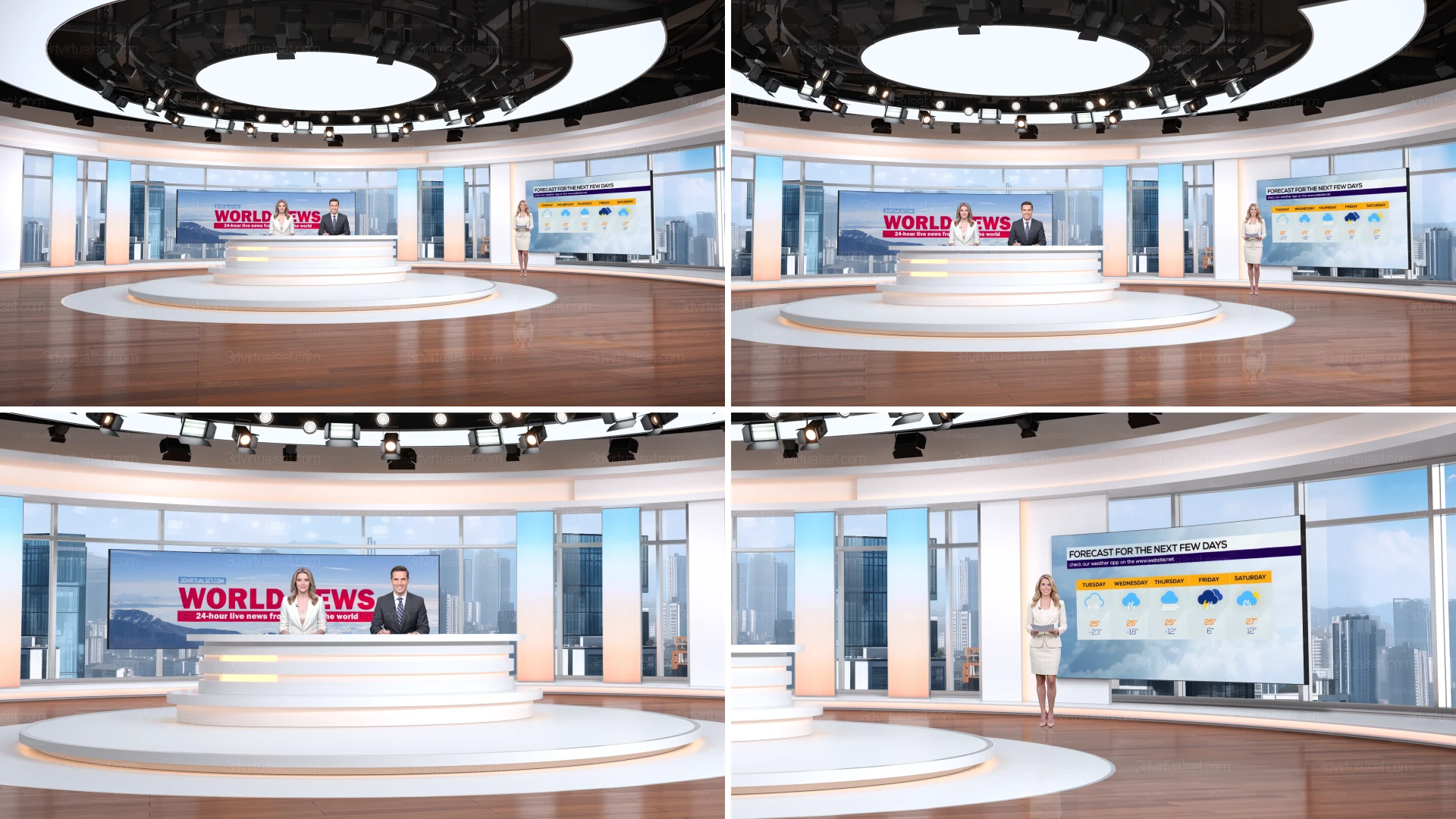
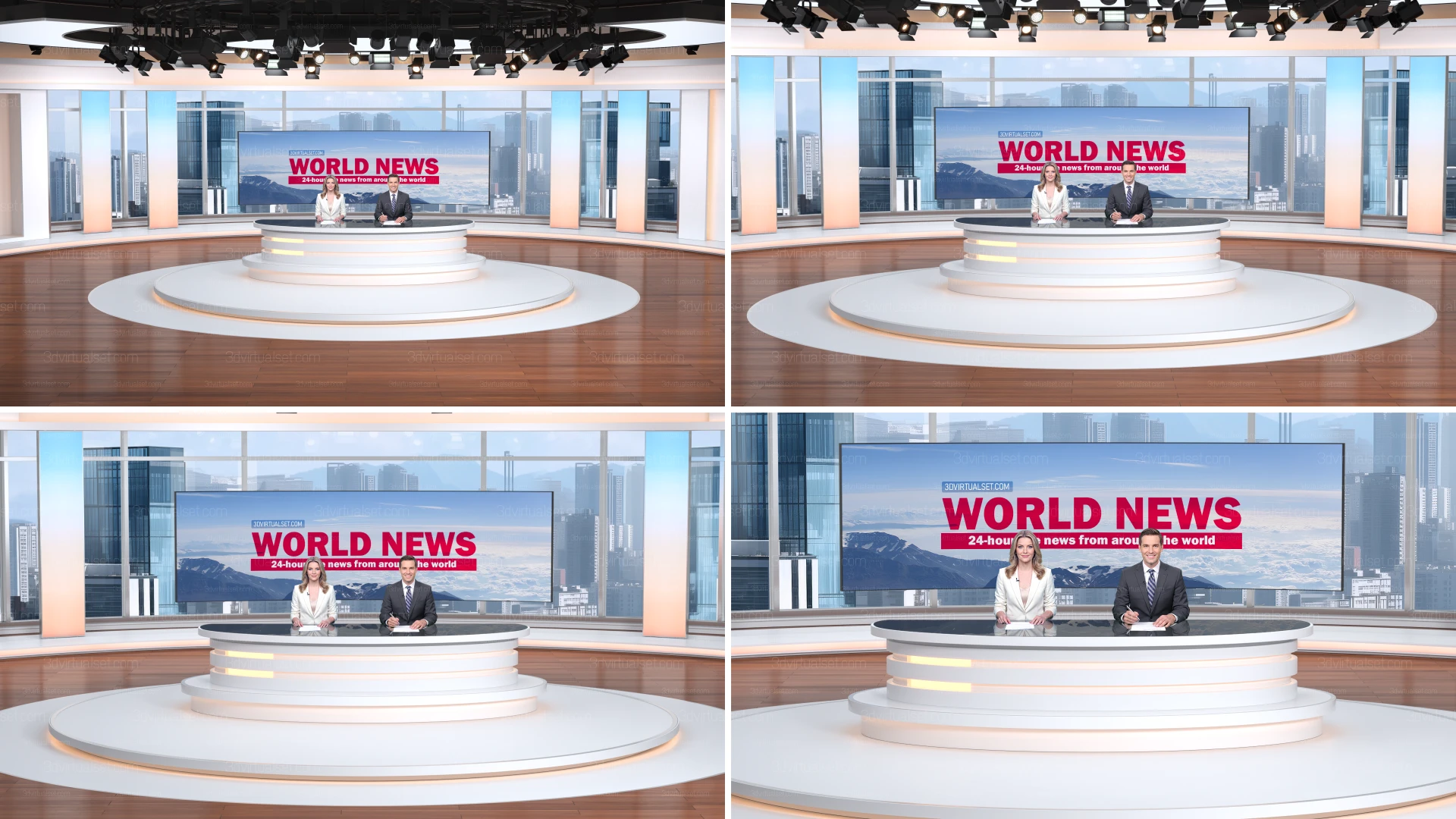
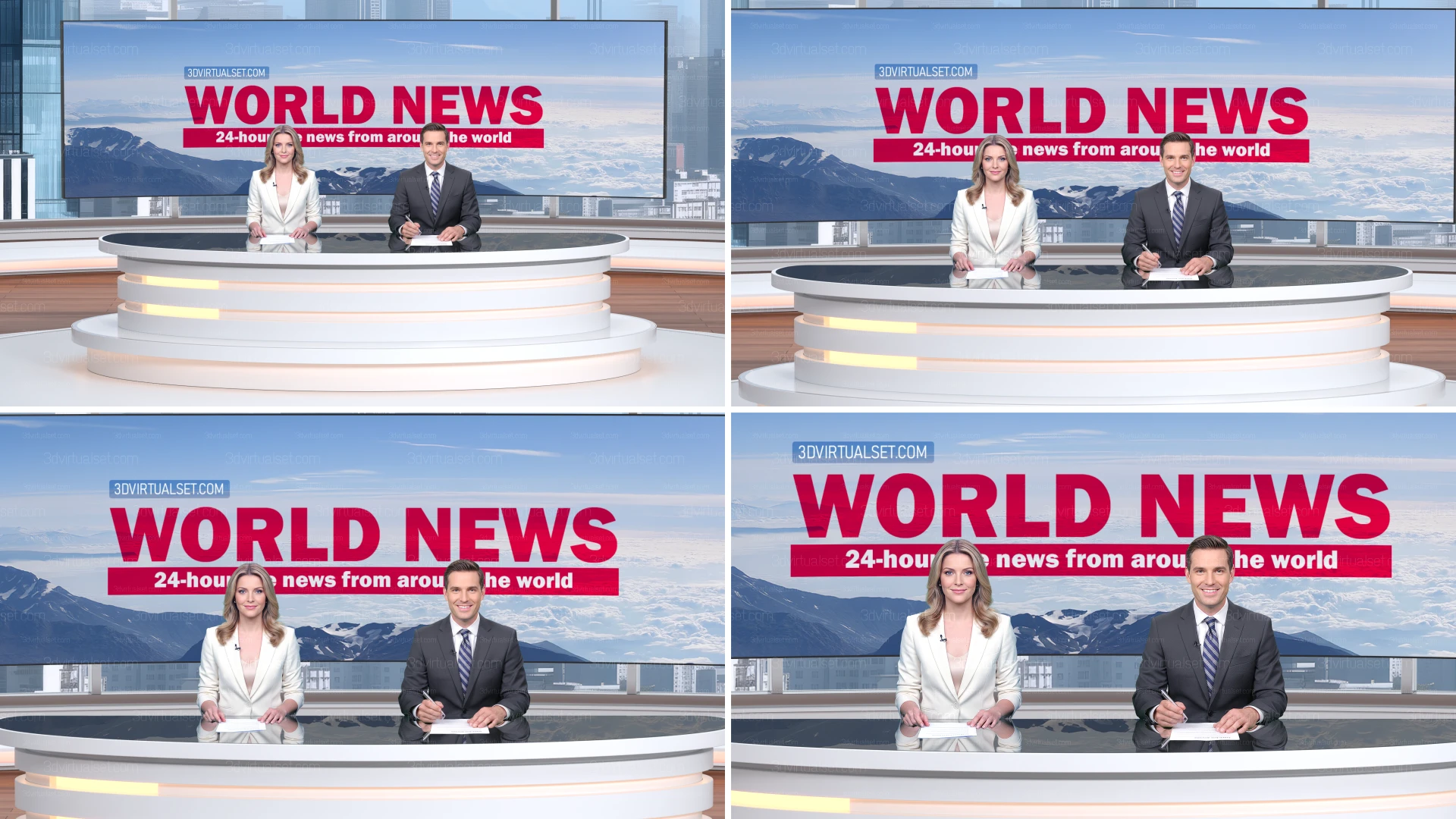
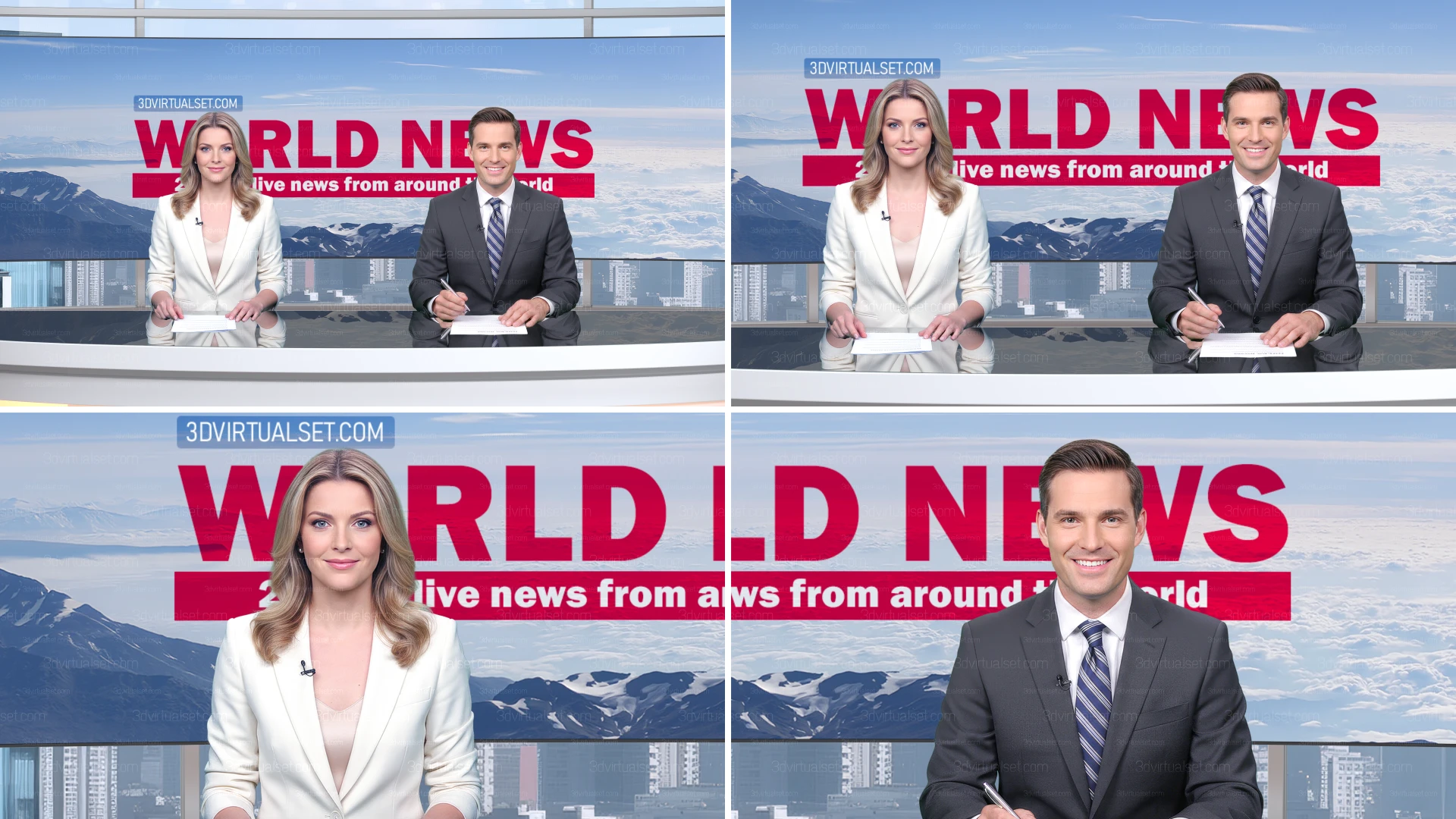
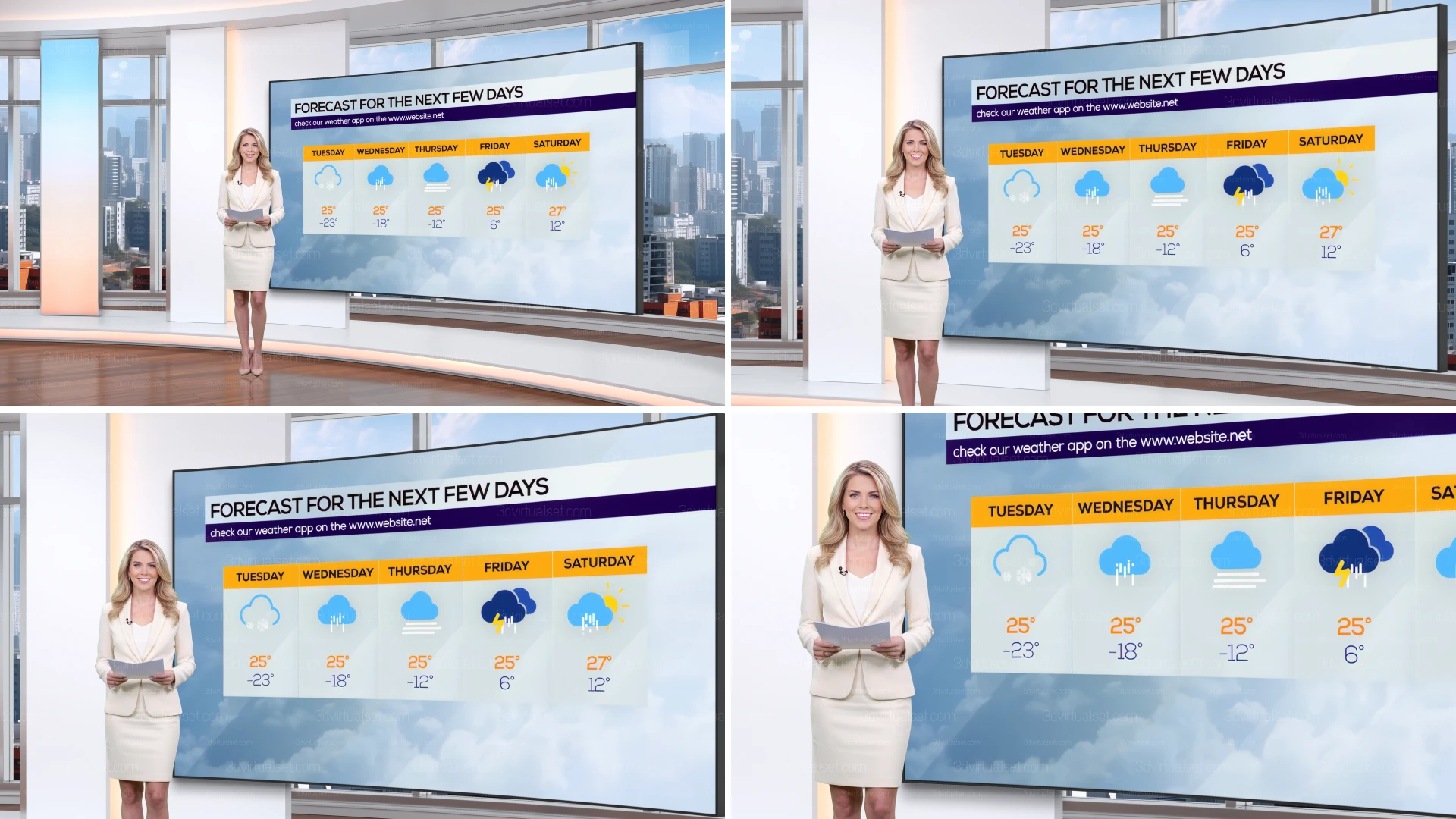
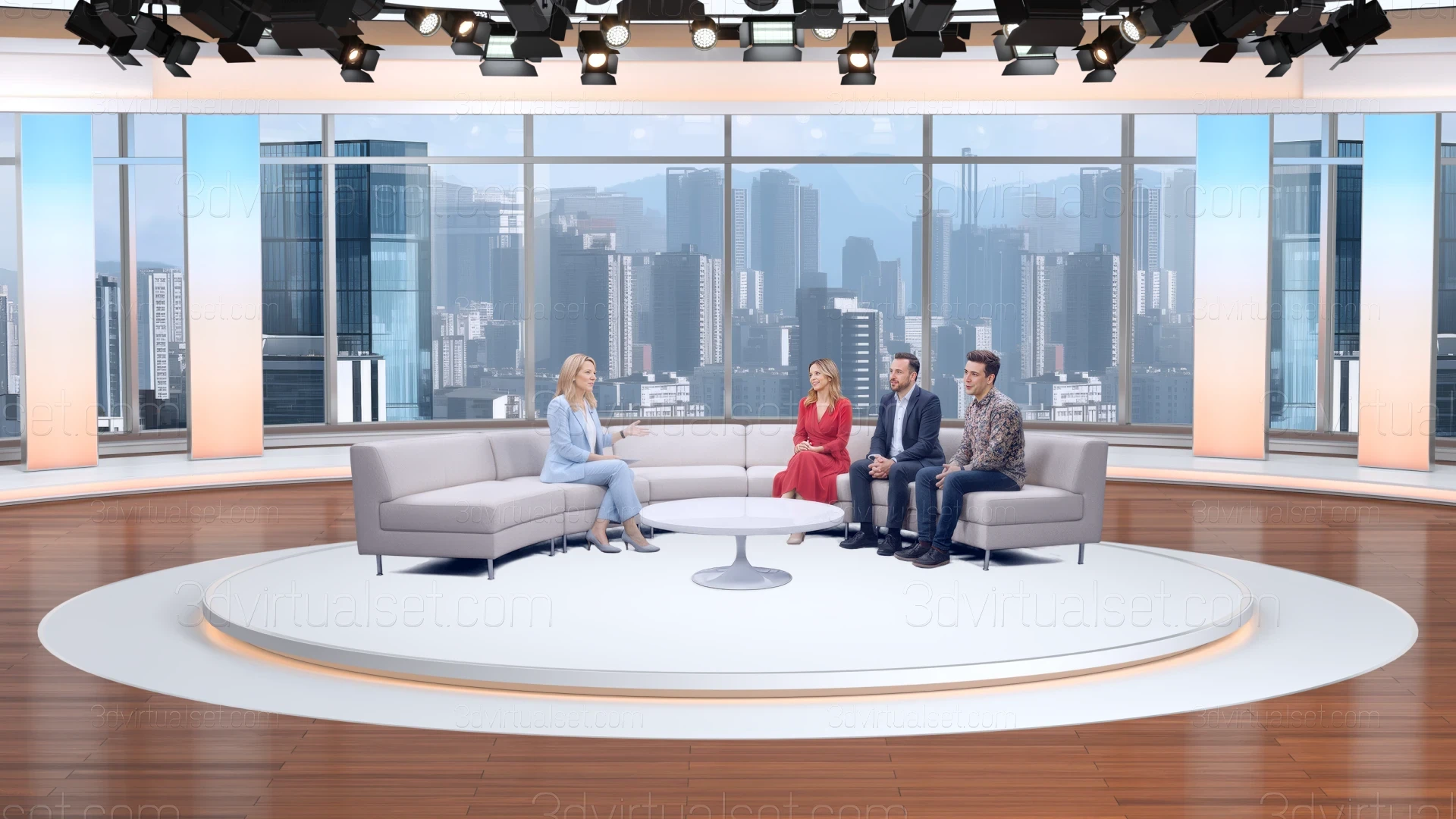
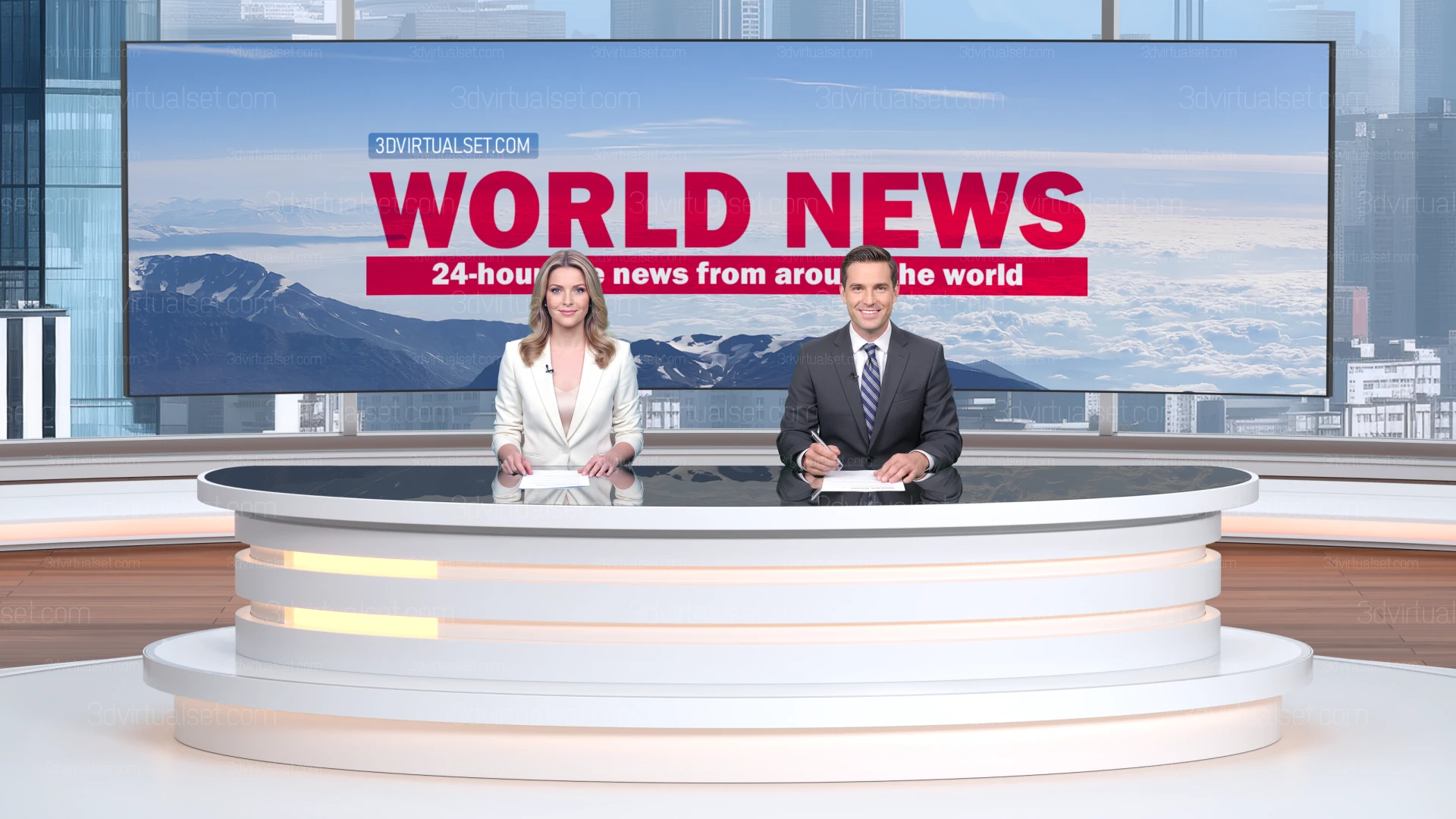
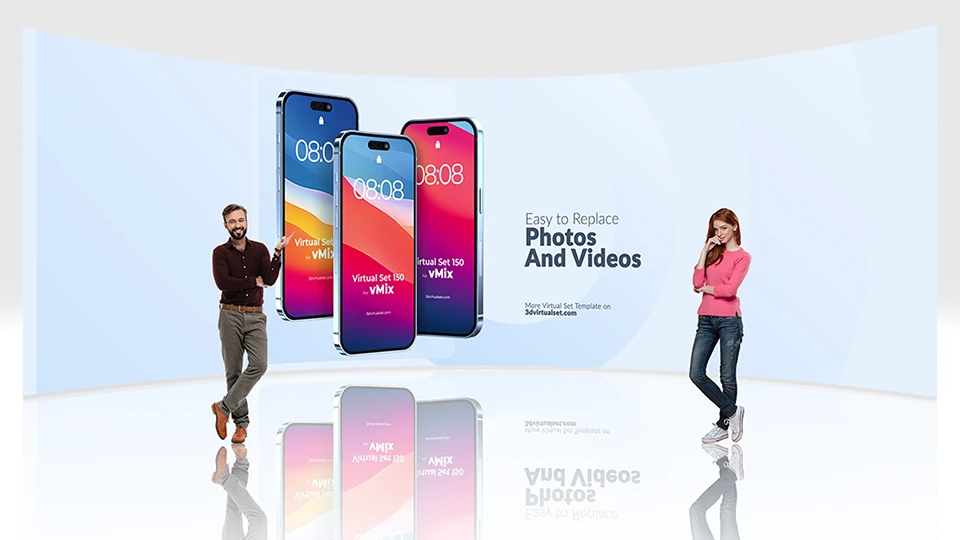
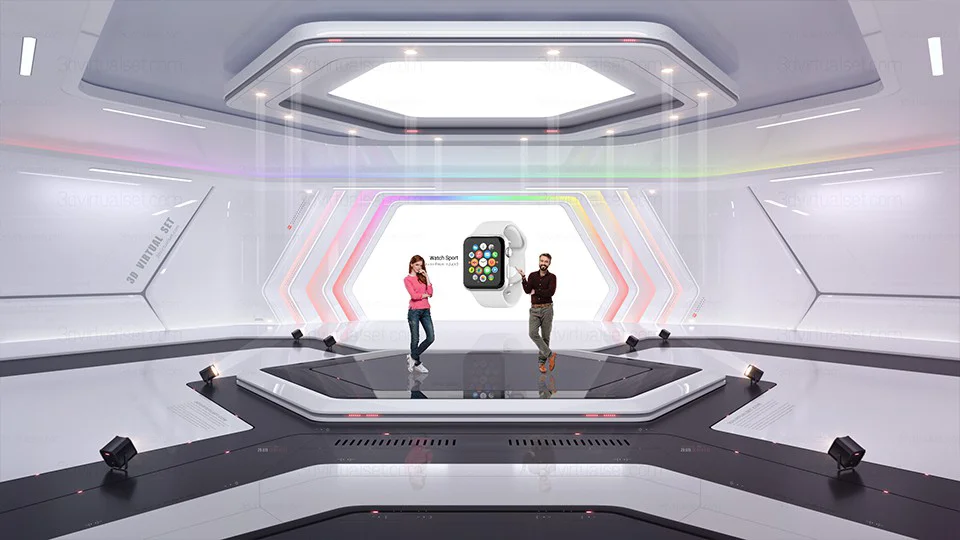
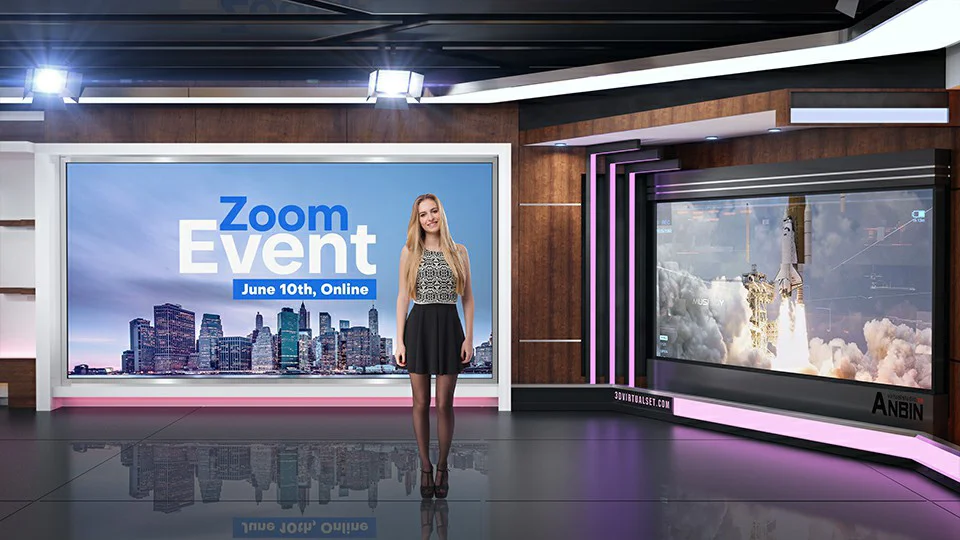
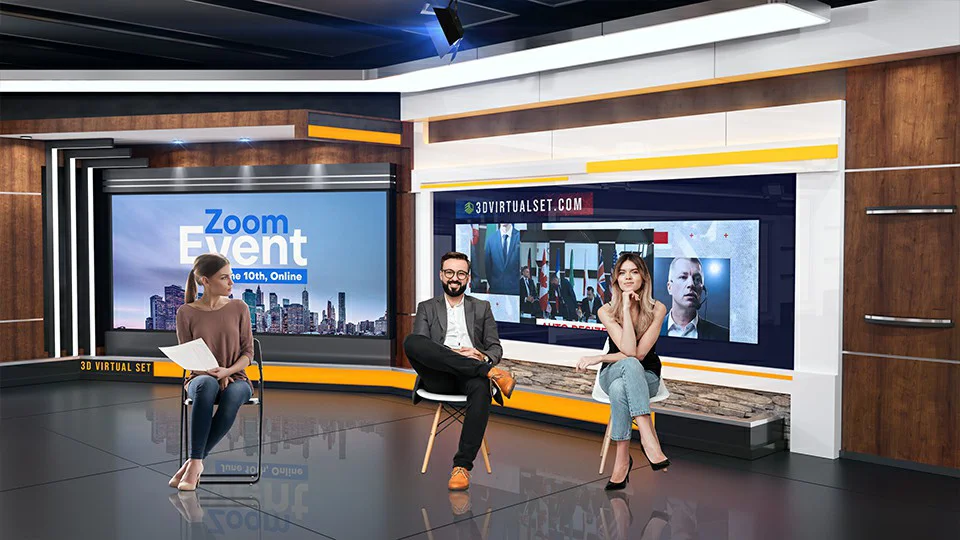
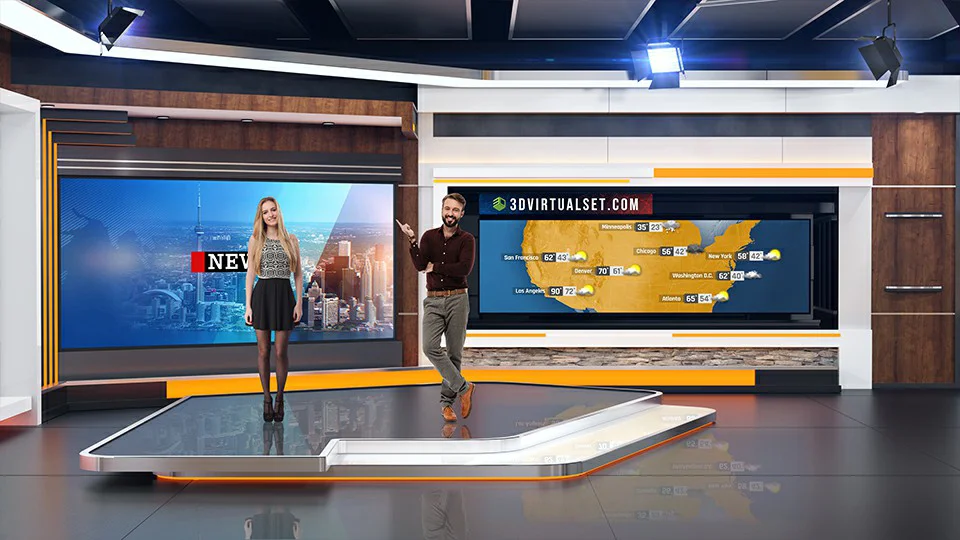
vMix work scene:
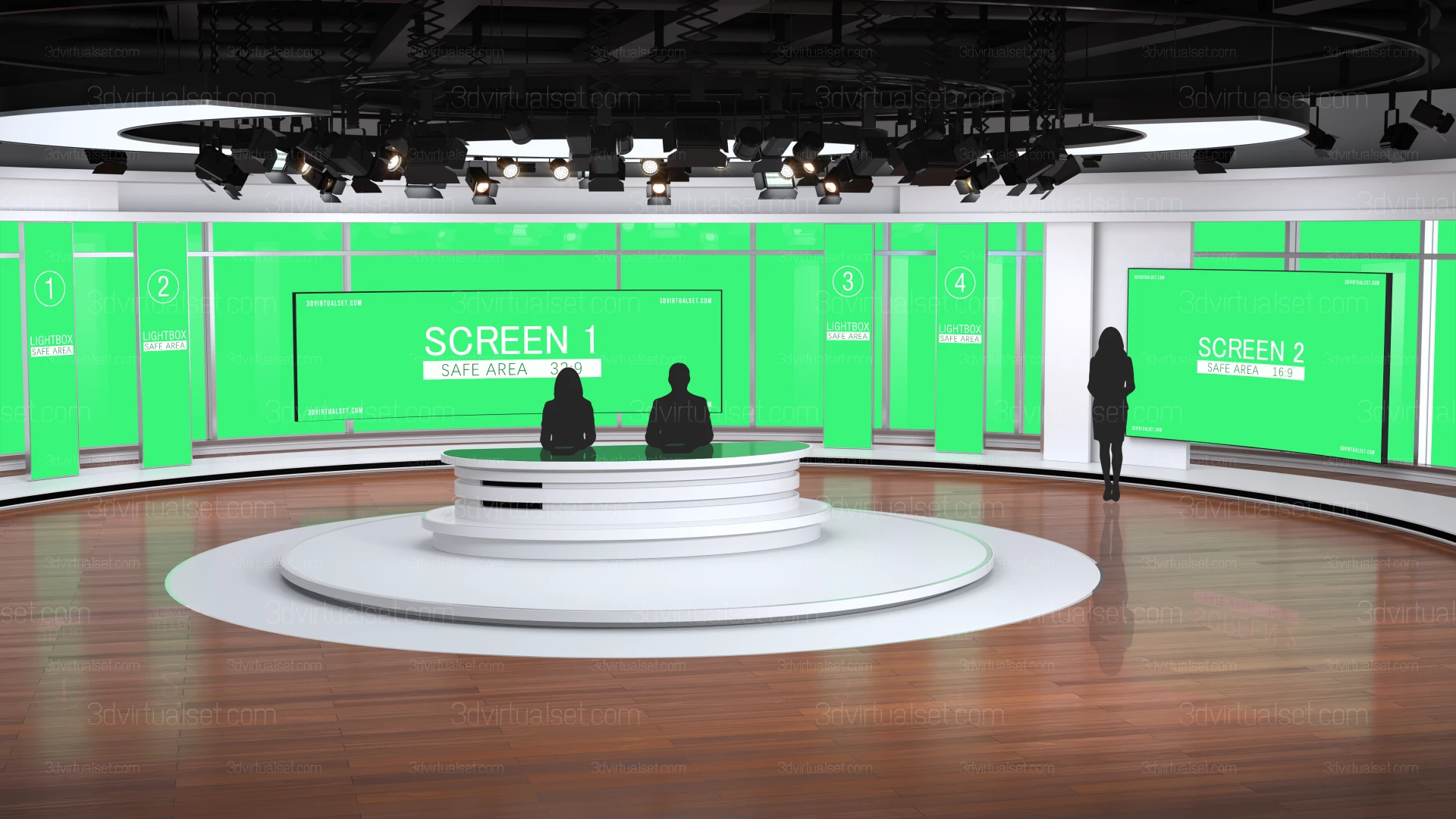
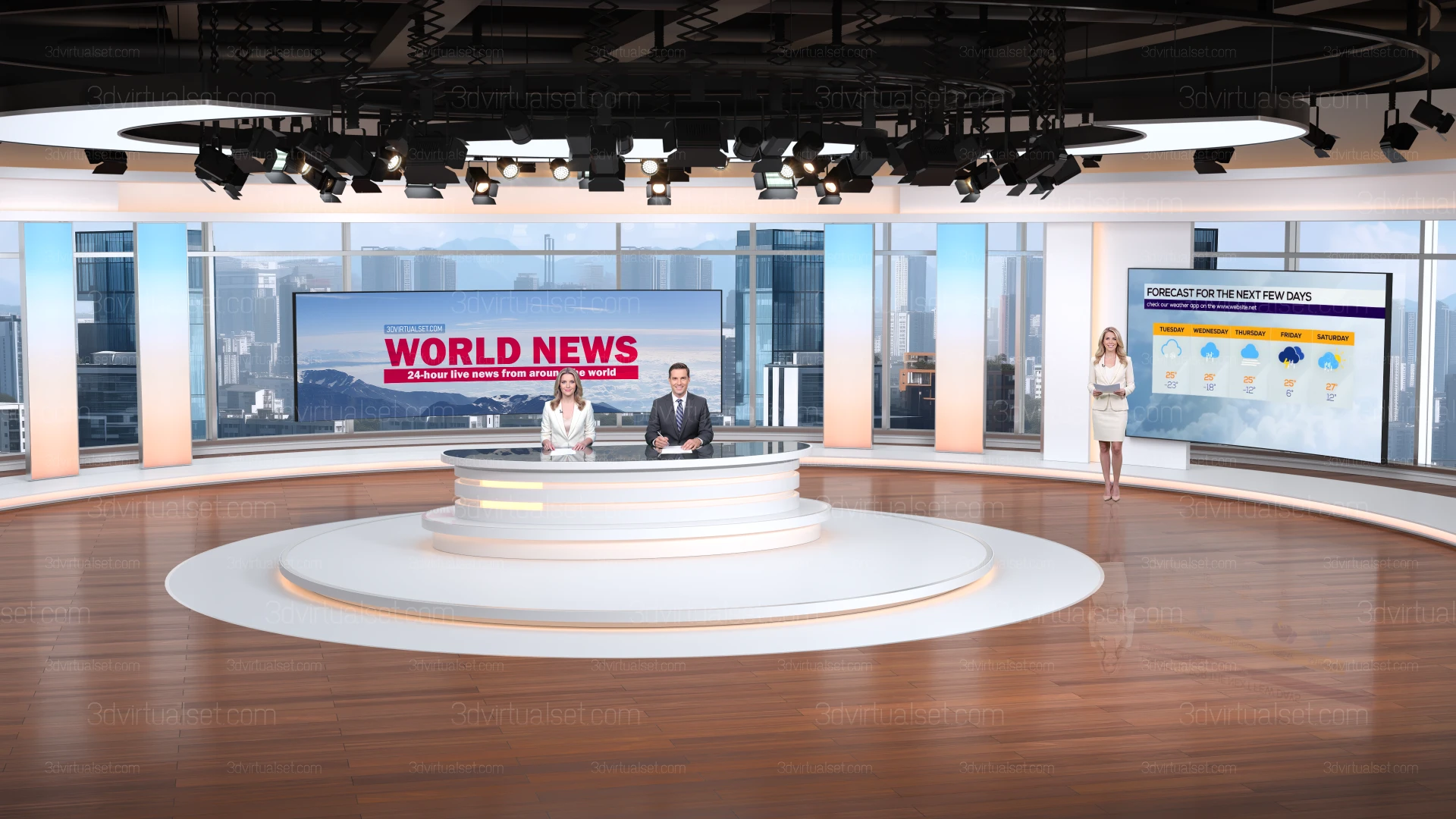
- vMix Virtual Sets 140: Includes 6 angles, each with 4 different shot sizes (wide-angle, medium shot, close-up). The original file resolution is 3840x2160, ensuring high-definition image quality during zooming in and out.
|
Features:
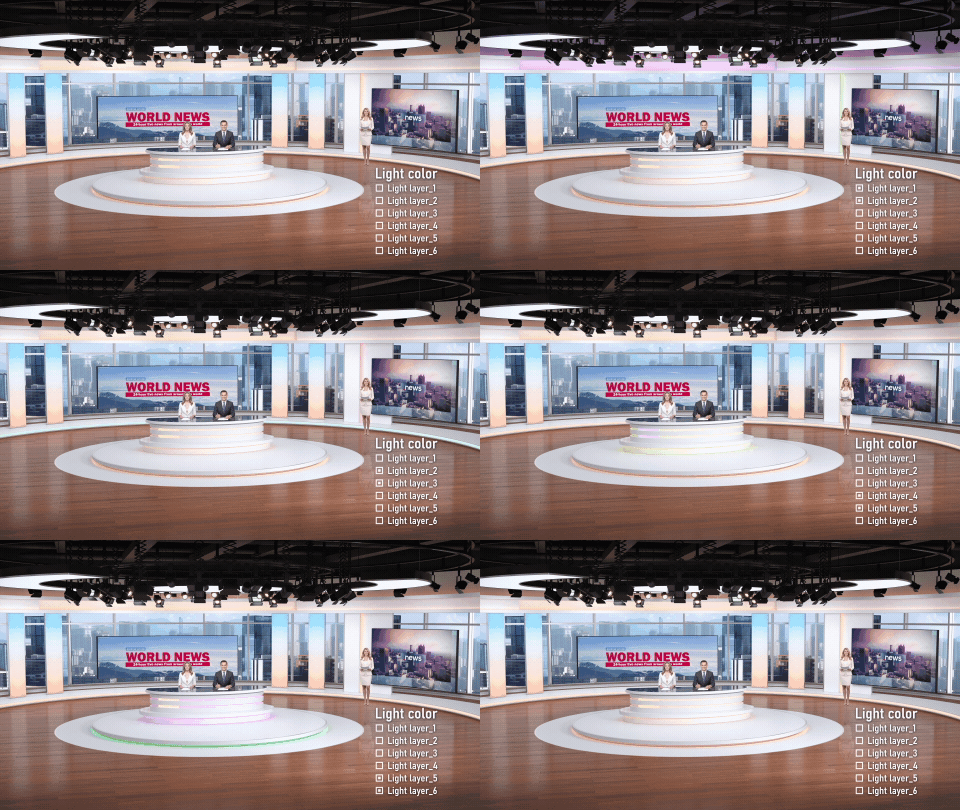
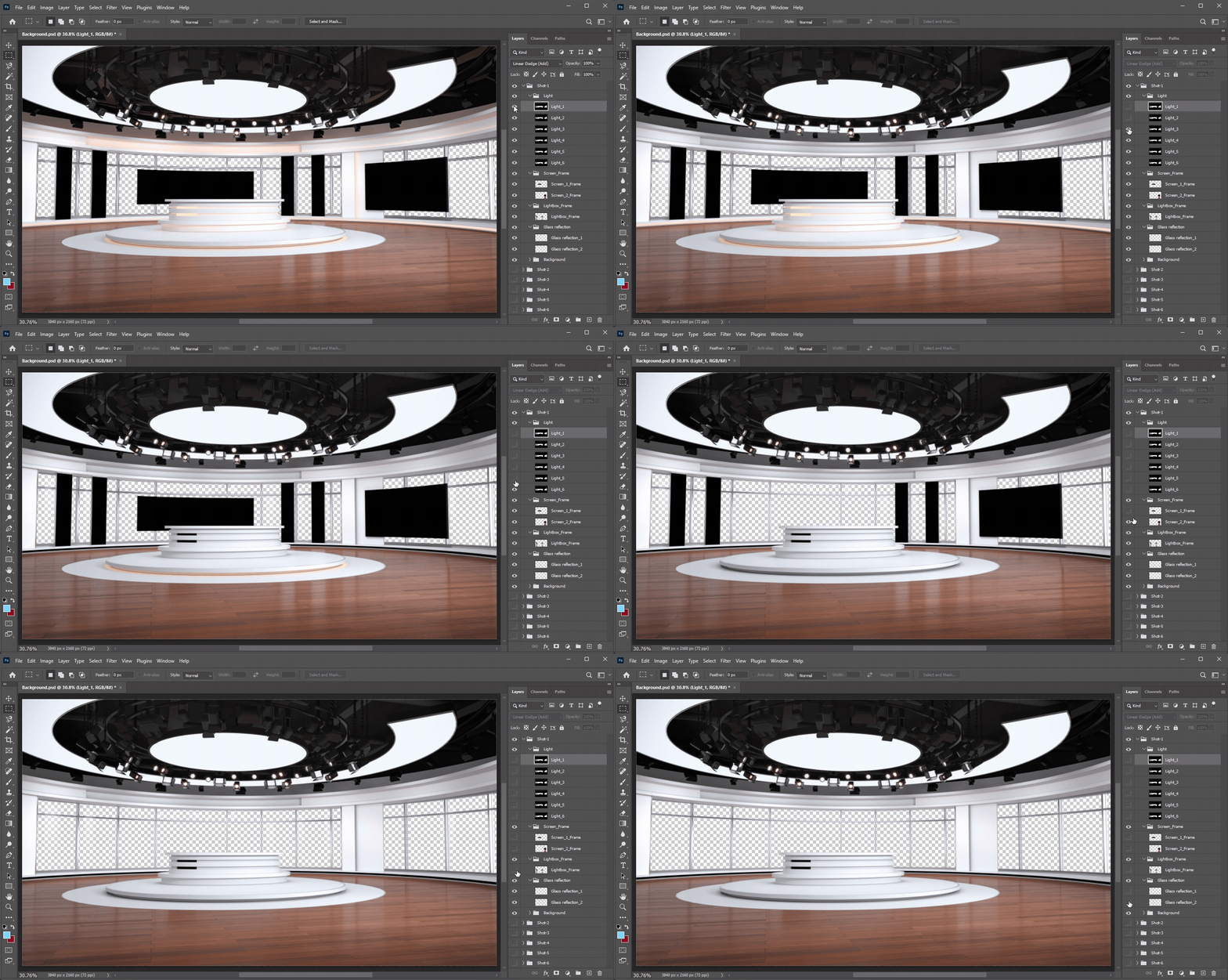
- 1. Light: The color and brightness can be adjusted in Photoshop;
- 2. Glass reflection: The intensity of the reflection can be adjusted in Photoshop;
- 3. Screen frame: Can be hidden in Photoshop;
- 4. Lightbox frame: Can be hidden in Photoshop;
- 5. Lightbox: Can display 4 different contents; can be replaced with images or videos in vMix;
- 6. Cameras: Including wide-angle, medium shot, and close-up, totaling 24 different shots that can be switched in vMix;
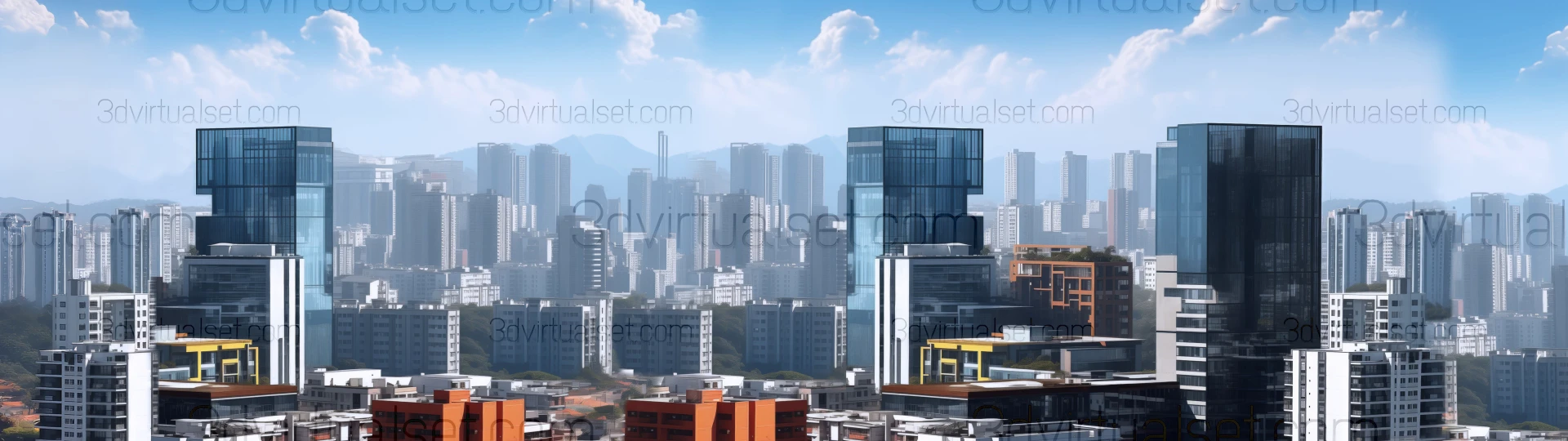
- 7. Skyline: Can be replaced with image or video, and it will automatically adjust the perspective angle as the camera in the vMix.
|
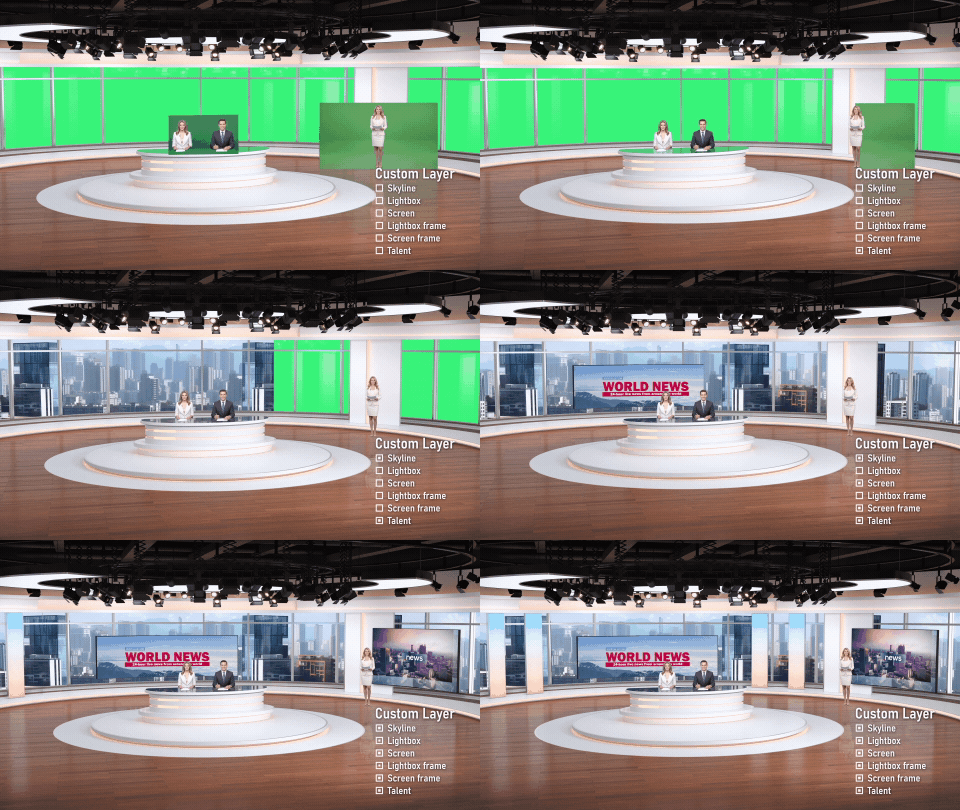
Custom:
-
| |
vMix input |
vMix visible/invisible |
Photoshop visible/invisible |
| 1. Skyline |
|
|
|
| 2. Lightbox |
|
|
|
| 3. Lightbox frame |
|
|
|
| 4. Screen |
|
|
|
| 5. Screen frame |
|
|
|
| 6. Talent |
|
|
|
vMix camera preset:
Virtual Set 140_Shot-1
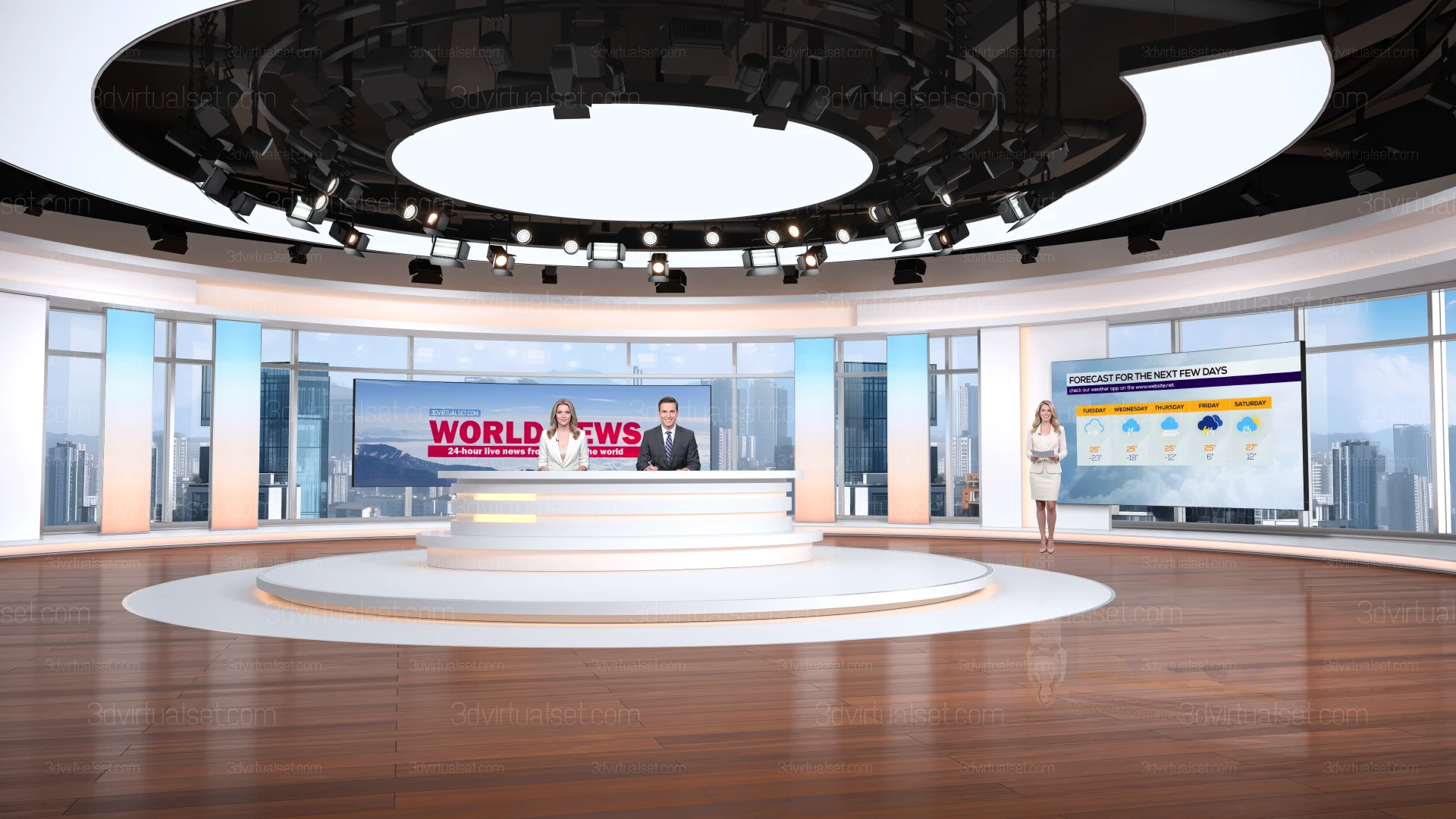
|
Virtual Set 140_Shot-2
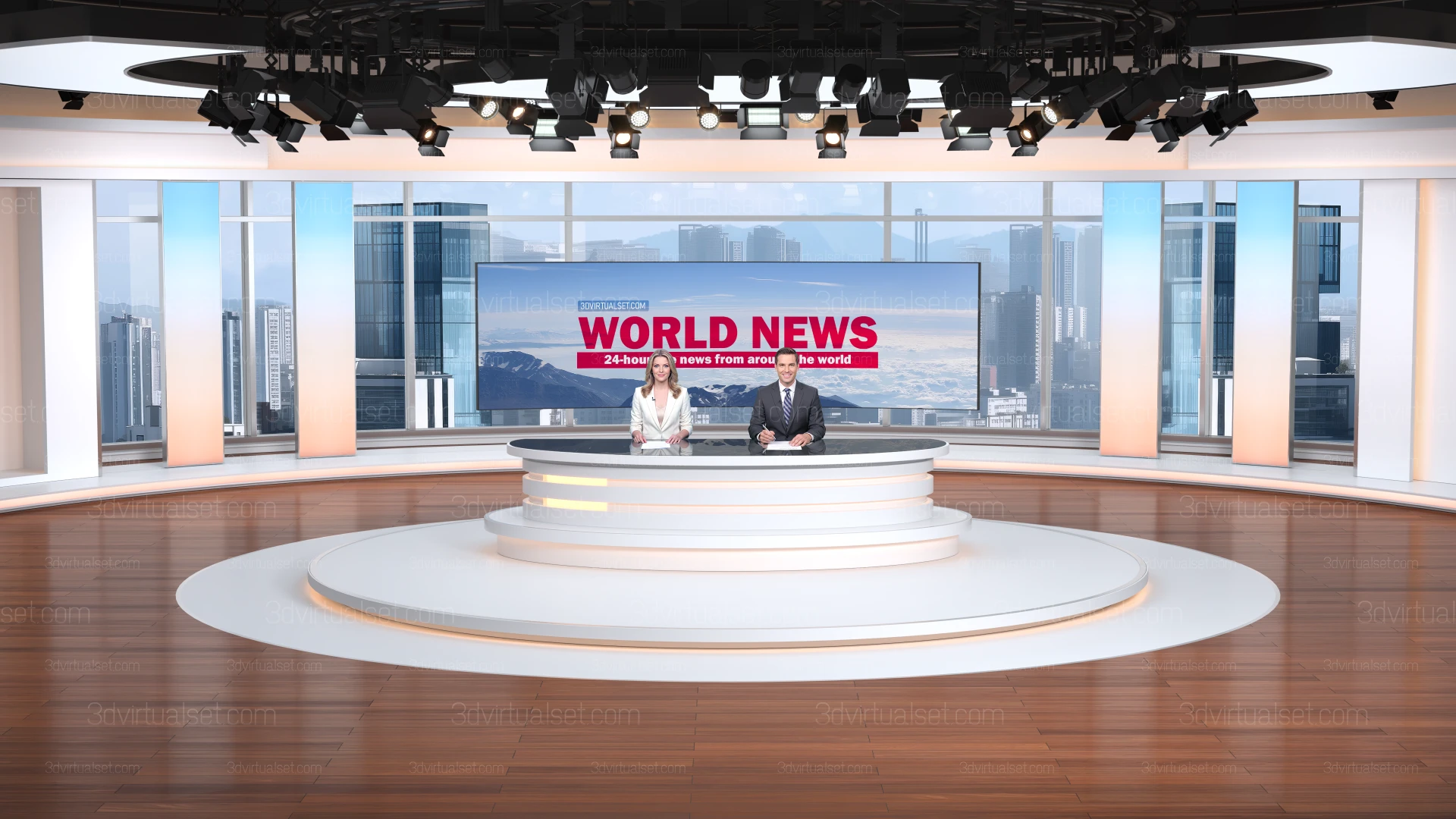
|
Virtual Set 140_Shot-3

|
Virtual Set 140_Shot-4
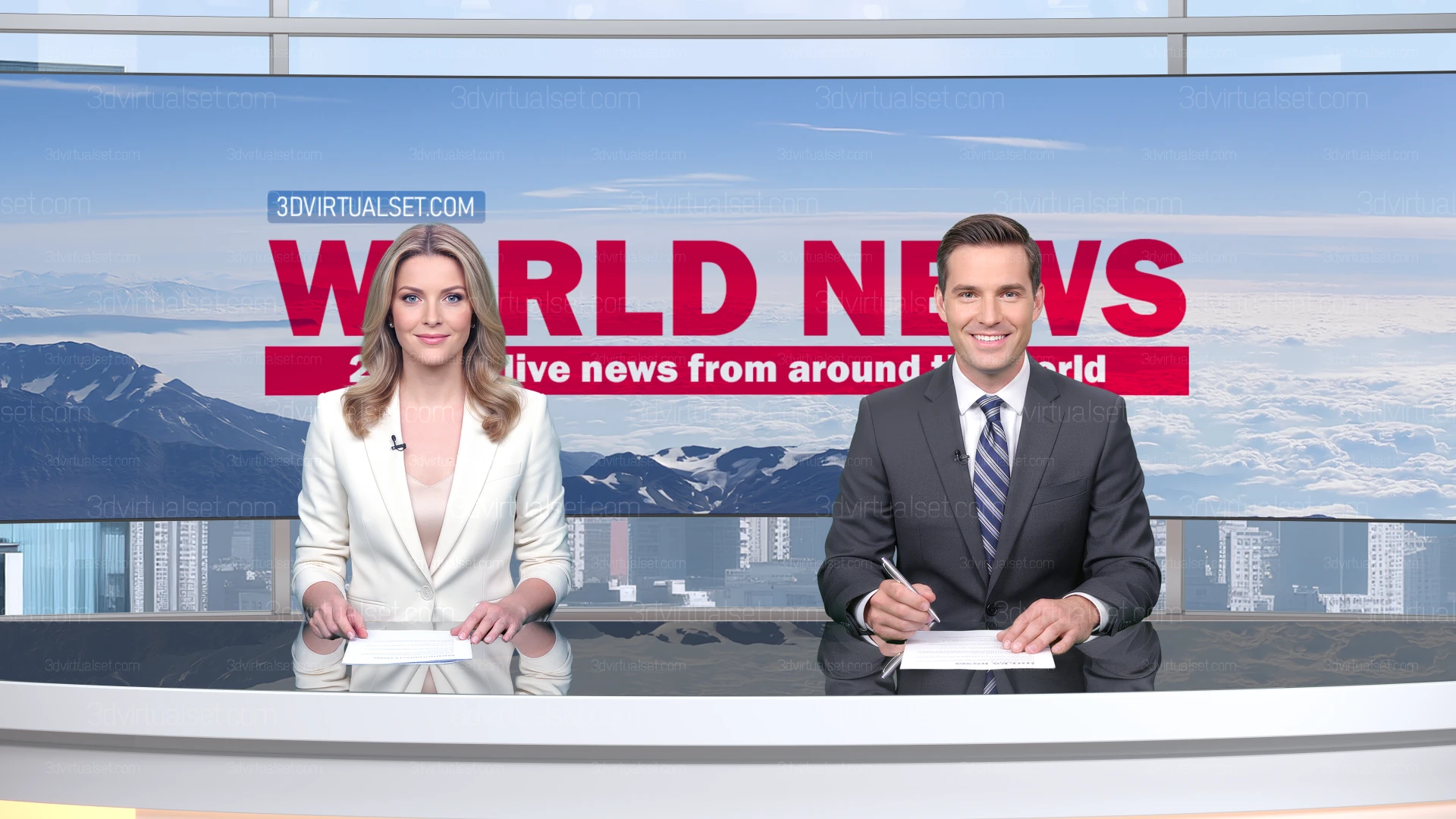
|
Virtual Set 140_Shot-5
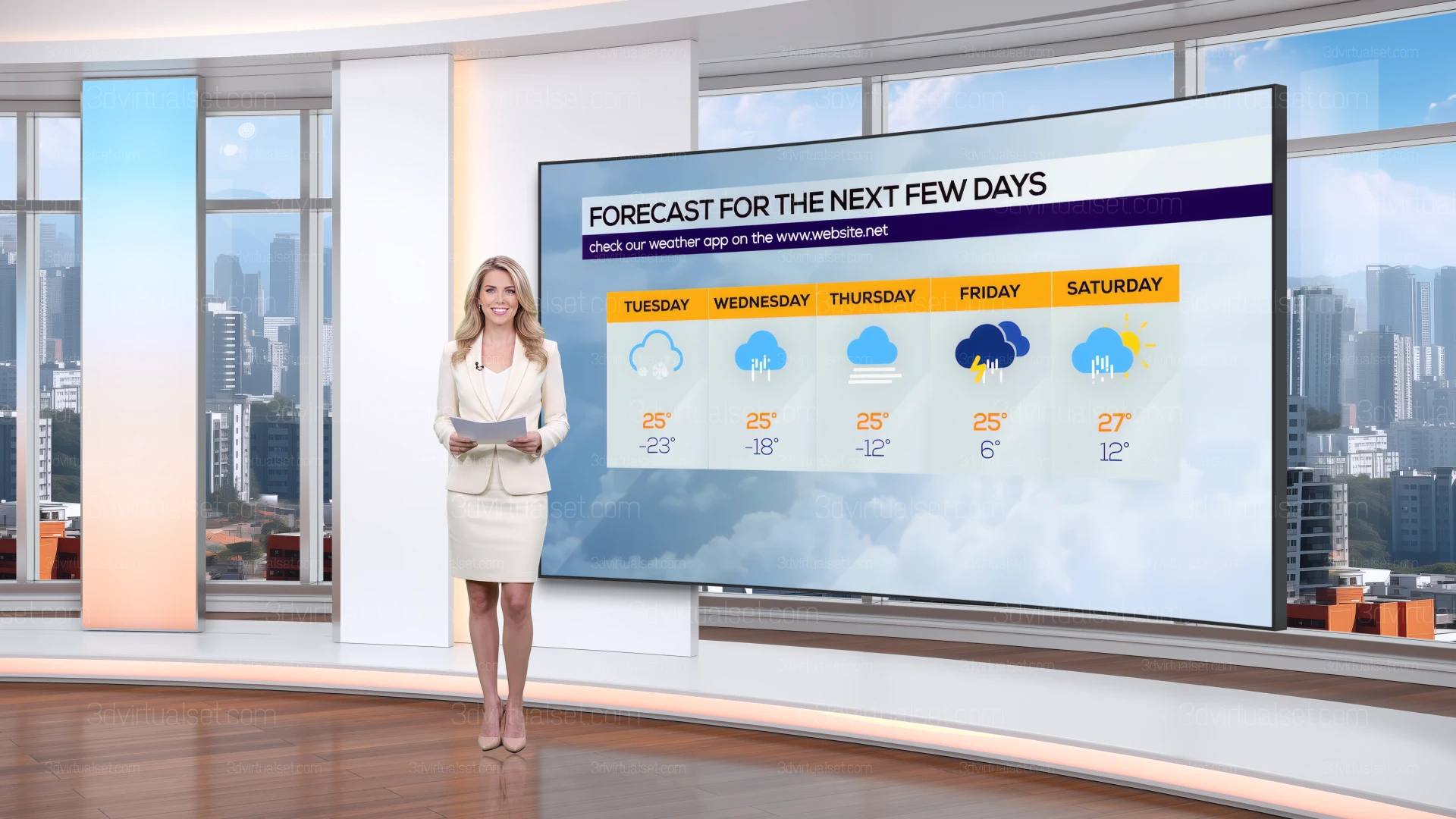
|
Virtual Set 140_Shot-6
|
PSD file:
- The downloaded file contains a Background.psd file(Resolution 3840x2160) that retains the presets of the color scheme for customizing the virtual set background. You can change the color of the light layer; hide the lightbox frame; hide the screen frame, and so on.
|
Skyline:
- The downloaded file contains an ultra-high-definition image of the skyline.(Resolution 7680x4320)
|
Talent and Screen placeholder:
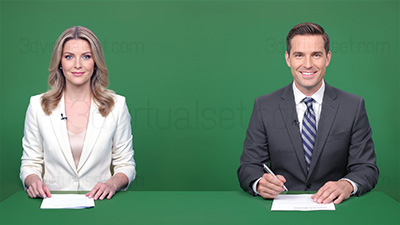
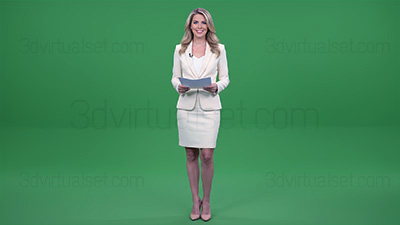
The Talent and Screen content from the image preview are not included, you can find them here: